FieldBuddy Pro Technician
Replace your paper and Excel checklists with lists your technician fills out in the app. FieldBuddy Pro records every answer, keeps the photos with it and turns it into a report straight away.


Reduce the margin of error. No more paper lists that go missing and no Excel files that everyone fills out differently. The technician completes the checklist in the app and everything is saved automatically.
That way the back office knows straight away what was checked on site.
Instant access to completed checklists
No more paper lists that go missing
Fast and easy to fill out
Inspection lists, step-by-step lists or installation lists: you decide per question which answer options there are and which information is mandatory.
From the back office you create, change and publish the lists, without needing us for it.
Tick boxes, multiple choice, text or numbers
Validation rules per question
Managed from the back office
Generate reports based on completed checklists and send them to the customer, as a PDF or via the customer portal.
When the technician gives a certain answer, the list skips the questions that no longer apply. That keeps the list short and to the point.
Let the technician add photos and comments, per question or per list. Useful for installation and inspection checklists.
Efficient checklists that save time for the back office and the field. No more converting paper lists into Excel: the technician fills everything out on a tablet or phone.
Validation rules
Tell the technician right away to do something else, or add extra information to an answer.
Comments and photos
Give technicians the option to add comments and photos. Making it mandatory is possible too.
Filters
Automatically skip questions or add questions based on previously given answers.
Answer options
Tick boxes, multiple choice, text fields or numbers: pick what works per question.
Progress percentage
Keep track of the checklist's progress, so the technician can see which tasks are still open.
Link to a record
Link checklists to work orders, records or people.
Managed from the back office
Create, configure and edit your checklists from the back office.
Reports
Generate instant analyses and reports of completed checklists and send them to the customer as a PDF or via the customer portal.
User-friendly
Because the lists are quick to fill out, the technician saves extra time.
See how FieldBuddy Pro works in two minutes
Kasper van Witzenburg
Systems Administrator at De Ridder
Back office
Manage all asset information in one place


Back office
Convert work orders automatically into invoices


Back office
Manage incoming issues and tickets


Back office
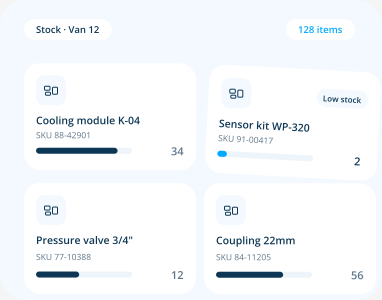
Organize parts, returns and inventory with ease

Planning
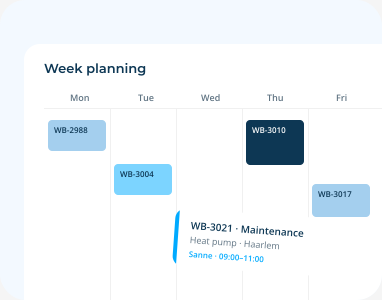
Streamline all your planning processes

Planning
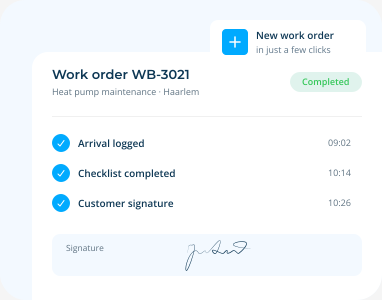
Create work orders in just a few clicks

Planning
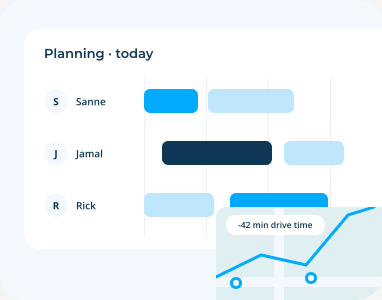
Efficient planning with FieldBuddy Pro AI

Technician
The user-friendly app for your field service employees


Platform
Automate your processes with flow builders


Platform
Integrate with all your favorite back office systems


Platform
Let your customers schedule appointments online


Platform
Get insight into your service process


Field service software is the system you use to run everything your technicians do: scheduling, digital work orders, customer contact, reporting and invoicing. Technicians work
Read more


 call an expert


