FieldBuddy Pro Platform
Give your customers one place for all their questions, service requests and documents. They can see the status of their work order, their installations and their contract themselves, without having to call.


Through the customer portal customers create a service request and ask their questions 24/7, whenever it suits them. Every request is linked straight to the right customer, contact person and installation.
Incomplete reports are a thing of the past and you solve problems faster.
Customers report questions and incidents themselves
Share important information with your customer
Offer extra insight into documents and reports
Your customers follow the status of their request or work order in real time. That saves a lot of phone calls and emails.
You decide what they see: manuals for their installations, their service contract or their invoices. And if their details are out of date, they update them themselves.
Live status of request and work order
Manuals and documents per installation
Customers update their own details
Give the portal your own logo and colours. You can even set up a portal in the branding of one major client.
You can run several portals: for customers, for partners or for suppliers. Each with its own style and its own functions.
The customer sees the maintenance history of their installation, and in reports and dashboards which installation breaks down most often.
Let customers submit a service request easily through the customer portal. No unnecessary phone calls and emails, and every report comes in complete.
Customer support
Let customers create service requests and ask questions through the portal, 24/7.
Knowledge centre
Give customers and employees access to the documents and information they need.
Consult invoices
The customer has direct insight into their invoices.
Installation history
The customer can see the maintenance history of their installations.
Permissions and fields
Decide per object and per field what the customer sees and what they can do with it.
Multiple portals
Set up separate portals for customers, partners or suppliers, each with its own style and functions.
Planning for partners
Let subcontractors and partners schedule for themselves by giving them the Service Planning module.
Portal editor
Adjust screens and fields yourself with the customer portal editor.
Own branding and domain name
Give every portal your own logo, colours and domain name, and integrate it into your existing website.
See how FieldBuddy Pro works in two minutes
Sander Toepoel
Service manager at Xafax
Back office
Manage all asset information in one place


Back office
Convert work orders automatically into invoices


Back office
Manage incoming issues and tickets


Back office
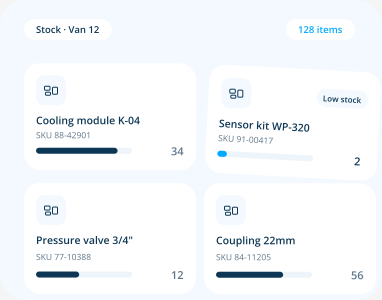
Organize parts, returns and inventory with ease

Planning
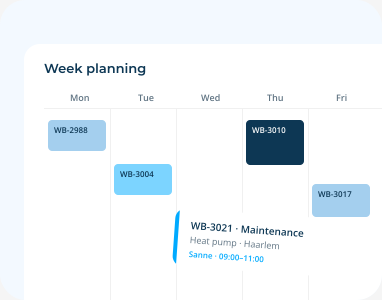
Streamline all your planning processes

Planning
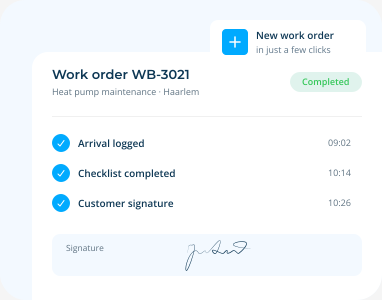
Create work orders in just a few clicks

Planning
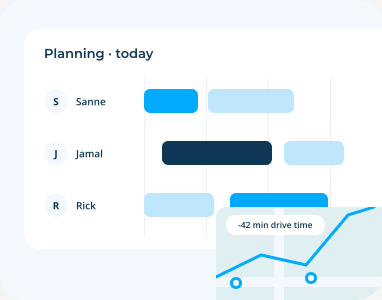
Efficient planning with FieldBuddy Pro AI

Technician
The user-friendly app for your field service employees


Technician
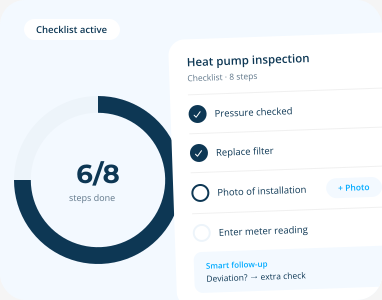
Transform and streamline your checklists

Platform
Automate your processes with flow builders


Platform
Integrate with all your favorite back office systems


Platform
Get insight into your service process


Field service software is the system you use to run everything your technicians do: scheduling, digital work orders, customer contact, reporting and invoicing. Technicians work
Read more

Field service management is how you run everything your field team does: scheduling, work orders, parts and invoicing in one system. The office sees the
Read more

A customer portal is an online environment where your customers report a breakdown themselves, follow the status of their work order and view the history
Read more


 call an expert


